
Connect India Post
Get your API login from India Post, connect it, and set up tracking updates.
Last updated 17 October 2026
Get your API login#
The app talks to India Post’s business API, which has its own login. Ask your India Post sales executive to raise an API integration request with CEPT (India Post’s IT centre) for your customer ID, and say Enrixa IndiaPost will do the integration. CEPT then sends an API username and password. They’re different from your India Post customer portal login.
Connect it#
In the app, go to Settings → India Post account and tracking. Under Connect India Post account, enter:
- India Post customer ID: 10 digits, on your India Post contract.
- API username and API password, from CEPT.
Then choose Connect (Save and verify once a login is saved). To change only the username, leave the password empty: the saved one is kept.
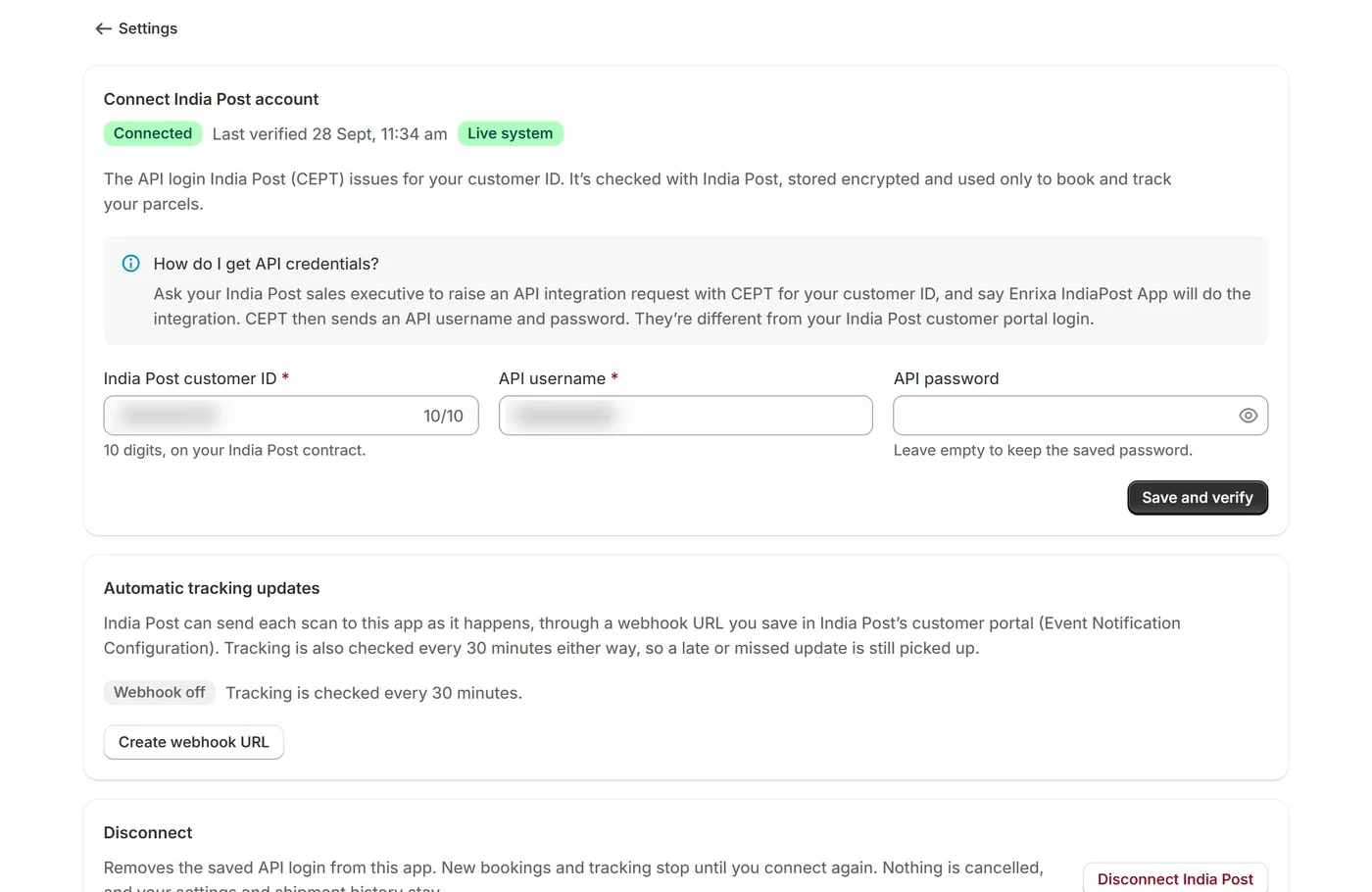
The login is checked with India Post straight away and stored encrypted. The page then shows “Connected” with the date it was last verified. If India Post can’t be reached yet, the login is saved and checked again every hour.
Test or live#
India Post has a test system and a live system, with separate logins and article ID ranges. The badge next to “Connected” says which one your store uses, and the login for each system is kept separately. See Test and live systems.
Automatic tracking updates#
The app checks every parcel’s tracking with India Post by itself: every 15 minutes once a parcel is out for delivery, every 30 minutes while it’s on its way, and every 2 hours overnight (10 PM to 7 AM) or after 3 days without a scan. India Post can also send each scan as it happens, to a webhook: on the same page, create a webhook URL and save it in India Post’s customer portal (Event Notification Configuration). The page then shows whether updates are arriving. India Post turns webhooks on only with its business team’s approval, usually for large volumes, so ask your India Post contact first.
- The URL is shown only once, when it’s created. To see it again, replace it and save the new one in India Post’s portal.
- Tracking keeps being checked either way, so a late or missed update is still picked up.
- Turn off webhook updates stops accepting updates at that URL; the app’s own checks go on.
Disconnect#
Disconnecting removes the saved login. New bookings and tracking stop until you connect again. Nothing is cancelled: booked parcels stay booked with India Post, and your settings and shipment history stay. The webhook URL is removed too, so create a new one after you reconnect.